Smart B2B businesses recognize that 89% of buyers prefer vendors with strong eCommerce solutions. Although, it’s a misconception to think that the future of online shopping is limited to B2C platforms. Forrester Research predicts that the US B2B eCommerce sector will surge to $2 trillion by year-end and reach $3 trillion by 2027.
Think about the advantages of embracing a B2B eCommerce platform if you are in the B2B sector. It has the potential to streamline operations for both your clients and your team, paving the way for accelerated growth and enhanced efficiency. Let’s delve deeper into the process of selecting the ideal B2B eCommerce platform for your business.
What’s Important in a B2B Platform, Anyway?
A robust and effective platform is the backbone of your business success. It’s not just a digital space; it’s a dynamic tool that can transform the way you interact with clients, manage transactions, and facilitate growth. So, what exactly is important in a B2B platform?
- Seamless User Experience
- Scalability
- Customization
- Security Measures
- Integration Capabilities
- Mobile Responsiveness
- Excellent Customer Support

B2B eCommerce Platform Checklist for Better Selection
Grab this checklist on the go and explore it even when you’re offline!
5 Best Practices for Selecting the Ideal B2B eCommerce Platform
The eCommerce platform you choose is the foundation of your online store. To help you make the right choice, let’s categorize the selection process into five key criteria, aligning with best practices based on user needs.
#1 Selection Based on Your Product Type
B2B businesses often deal with a wide array of products, ranging from physical goods and digital items to services and subscriptions. Each category necessitates a distinct approach in terms of presentation, payment methods, and user experience. Identifying the primary nature of your products is the initial step in this selection process.
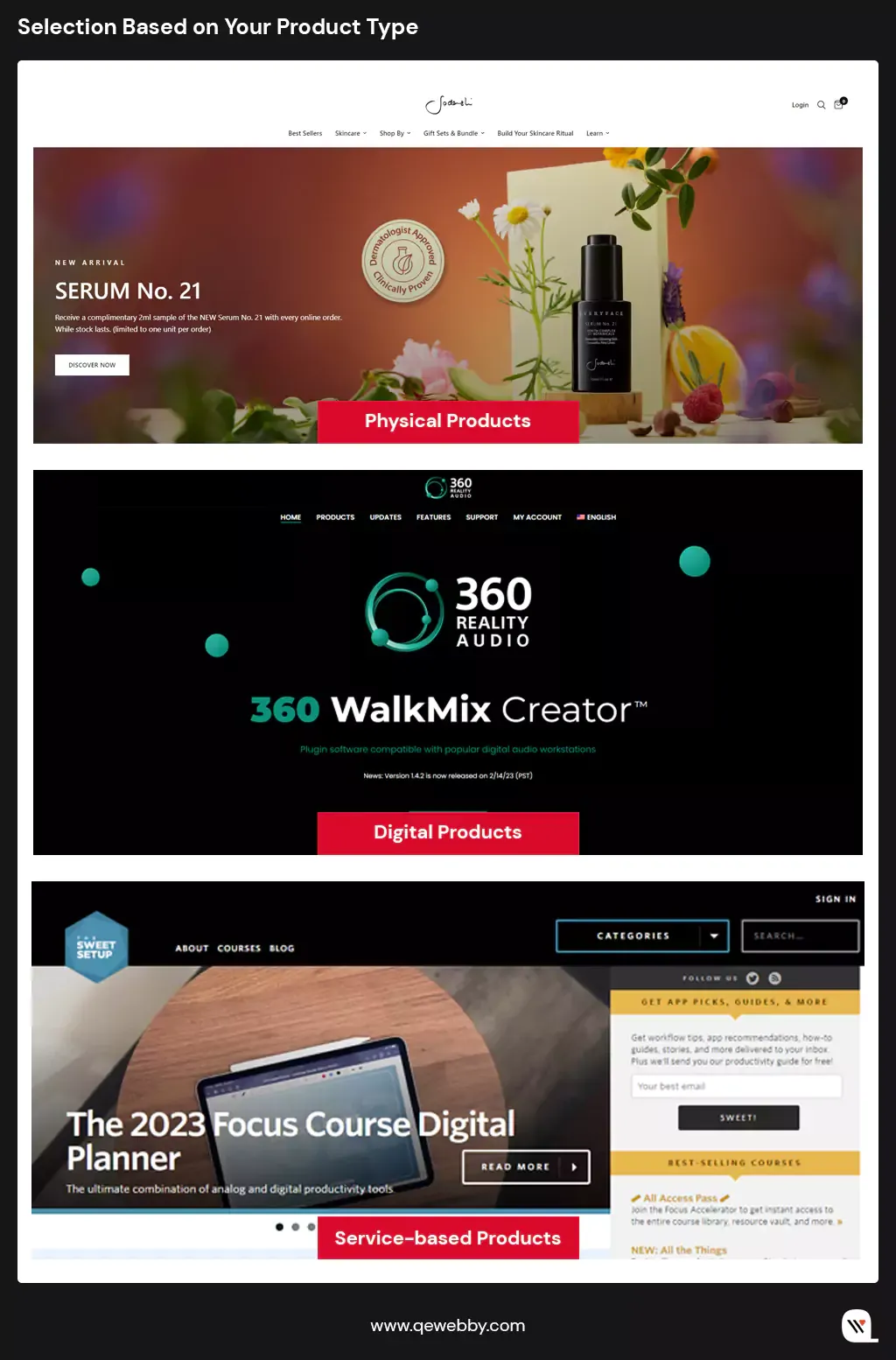
Image Source: Physical, Digital, Service
- Physical Products: For businesses dealing in physical products, a robust B2B platform should seamlessly integrate with shipping carriers. Efficient logistics management, including real-time tracking and inventory synchronization, becomes vital. Businesses that deal in physical products such as electronics (e.g., smartphones, laptops), machinery (e.g., industrial equipment, manufacturing machinery), or industrial supplies (e.g., safety gear, construction materials), need a platform that integrates seamlessly with shipping carriers. For that, features like weight-based or location-based shipping fees are essential to ensure accurate cost calculations for both you and your clients.
- Digital Products: Digital products such as software, eBooks, or multimedia files demand heightened security measures. Platforms like WooCommerce, with its extensive plugin library, enable you to implement secure payment gateways like Stripe or PayPal. Easy Digital Downloads (EDD) is another WordPress-based solution tailored for digital products. These platforms provide secure transactions and download links, ensuring that your clients receive their digital goods promptly and safely.
- Service-based Products: Businesses offering services or subscription-based products, such as consulting services or software subscriptions, require platforms that support flexible payment models. B2B platforms should support recurring payments, allowing seamless billing cycles for ongoing services. Additionally, features like trial periods, subscription upgrades, and automated invoicing enhance user experience for both you and your clients.

#2 Selection Based on Customization Capabilities for Exceptional User Experience
Today, businesses are increasingly aware that a one-size-fits-all approach doesn’t suffice. Your clients are diverse, with varying preferences, technical expertise, and business requirements. Tailoring your platform’s UX ensures that your users find the buying process intuitive, efficient, and delightful. Whether it’s simplifying complex ordering processes, enabling quick product searches, or offering personalized recommendations, a customized UX addresses these specific needs, fostering a positive customer journey.

Check out these key elements of your UX that require customization:
- Navigation: A platform should allow you to create logical menu structures, categorize products effectively, and implement filters for easy product discovery.
- Search Functionality: Advanced search options, including filters, auto-suggestions, and synonym recognition, enhance the search experience.
- Product Presentation: From high-quality images and detailed descriptions to interactive elements like product videos and 360-degree views, a tailored product presentation enhances client engagement.
- Account Management: The ability to set up multiple users, manage permissions, access order history, and facilitate bulk ordering simplifies their procurement process.

#3 Selection Based on Design Elements
Choosing a B2B platform based on its design elements is not just about aesthetics; it’s about creating an immersive, intuitive, and trust-building user experience. Here are the key aspects of design elements that should guide your selection process:

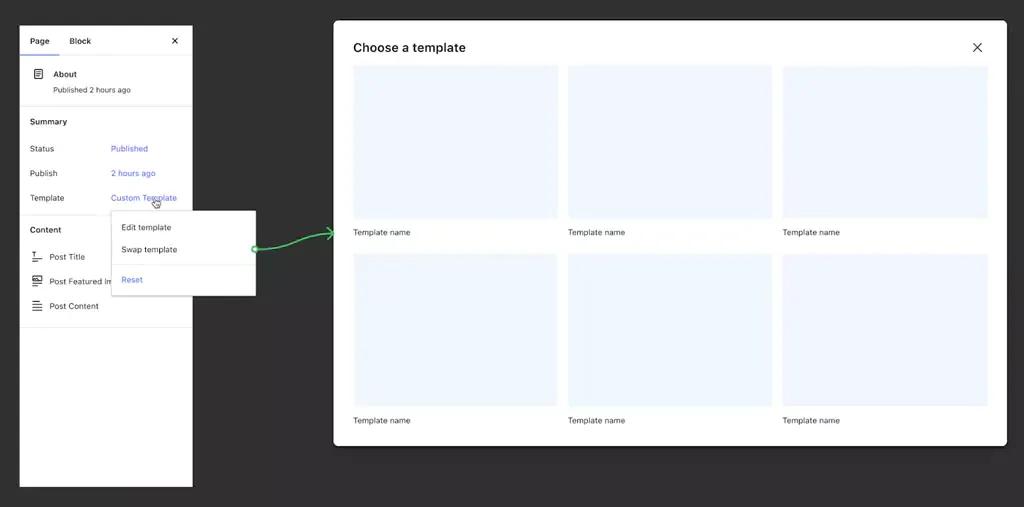
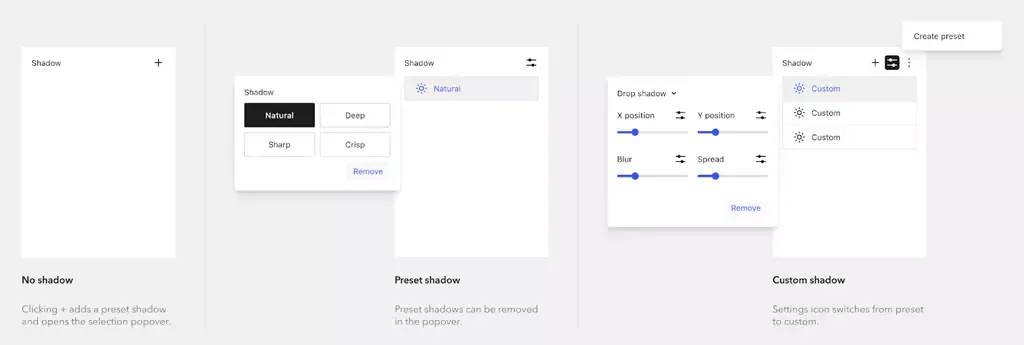
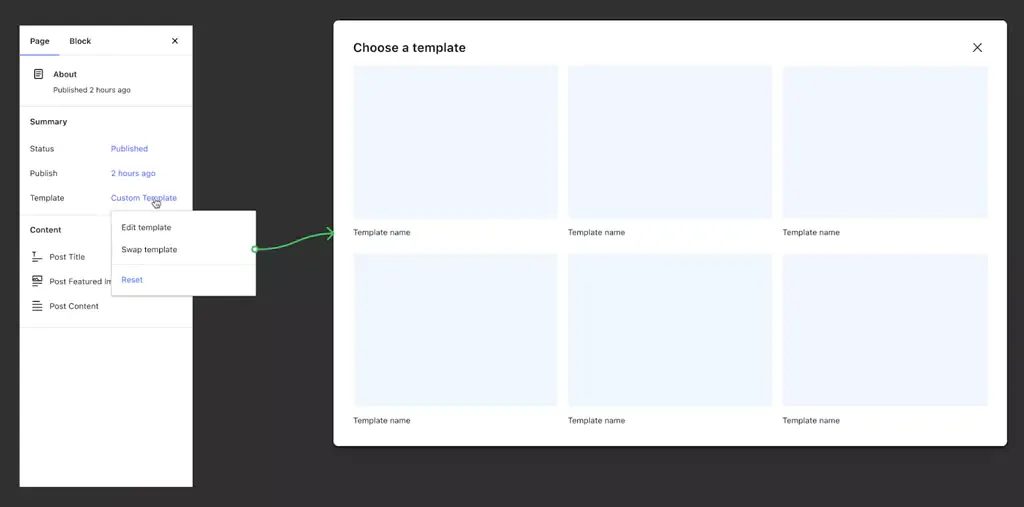
- Themes and Templates: Themes serve as a foundation, allowing businesses to modify layouts, color schemes, and typography to align with their brand identity. With 80% of visitors attributing design to credibility, choosing the perfect theme on your platform is paramount to securing a lasting impression and ensuring 70% higher conversion rates for your business.
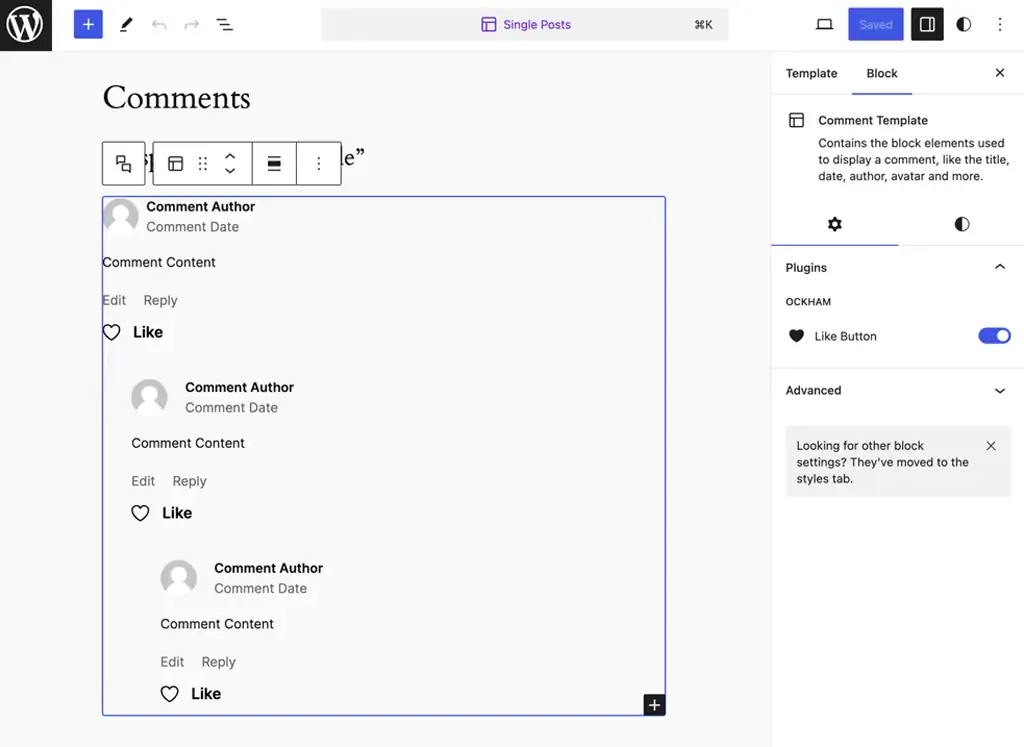
- Block Editors: With a 40% increase in customization options, block editors ensure higher user interaction, enhancing the overall shopping experience for customers on your B2B eCommerce platform. It empowers businesses to create custom layouts without intricate coding. Drag-and-drop functionality and a variety of content blocks facilitate the creation of visually appealing product pages and landing pages.
- Design Elements: Design Elements are the heart of your B2B eCommerce platform, shaping your brand identity and user experience. They ensure a visually appealing and intuitive interface, enhancing customer engagement and trust, making them essential for a successful online business.
- Color Palette: Colors evoke emotions and convey brand identity. A harmonious color scheme not only enhances visual appeal but also creates a consistent and memorable brand image. For instance, a medical equipment supplier might opt for calming blues and whites to instill trust, while a technology provider might choose vibrant, modern hues to signify innovation.
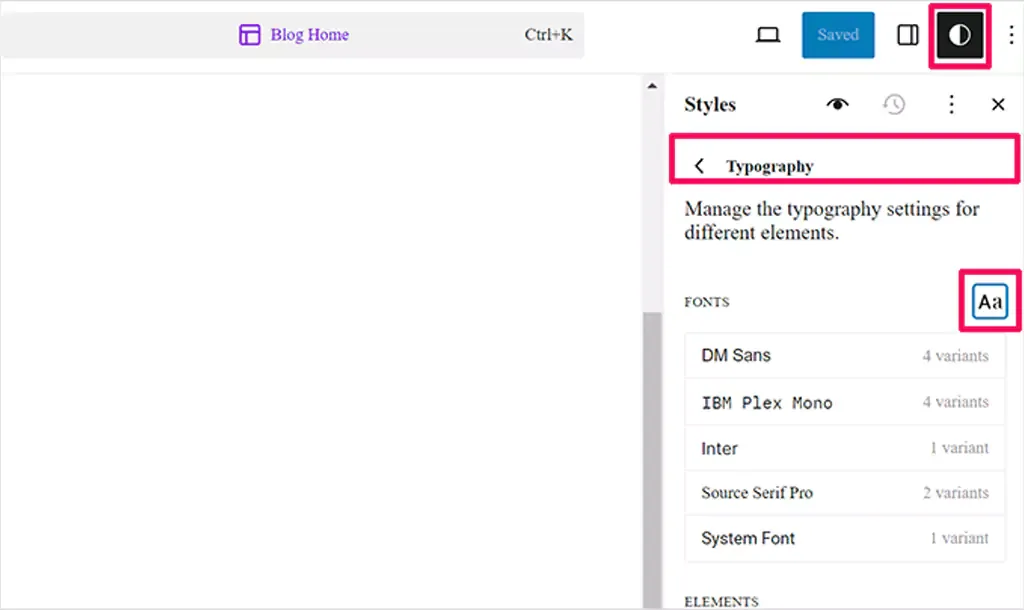
- Typography: Clear and readable fonts are fundamental. Choose fonts that align with your brand personality and ensure readability across devices. Serif fonts can evoke tradition and reliability, while sans-serif fonts often convey modernity and simplicity.
- Interactive Elements: Buttons, forms, and other interactive elements should be intuitive and responsive. Interactive design fosters engagement, guiding visitors seamlessly through the buying process.
- Multimedia Integration: High-quality images, product videos, and interactive media enrich the browsing experience. Showcase products from multiple angles, provide detailed images, and incorporate videos demonstrating product features. Platforms like WooCommerce enable easy multimedia integration, allowing businesses to create compelling product presentations.

#4 Selection Based on Integration Capabilities
Choosing a B2B platform that seamlessly integrates with various software and tools is essential for managing diverse aspects of your enterprise, from inventory and customer relationship management to payment processing and analytics. Look for the following integration capabilities in a B2B platform:

- Customer Relationship Management (CRM) Systems: Integration with CRM software enables you to manage client relationships, track interactions, and personalize customer experiences. Salesforce, HubSpot, and Zoho CRM are popular CRM systems that seamlessly integrate with various B2B platforms.
- Enterprise Resource Planning (ERP) Systems: ERP integrations centralize business processes, including inventory management, order fulfillment, and financial reporting. Platforms like SAP, Oracle NetSuite, and Microsoft Dynamics offer robust ERP solutions, often with pre-built integrations for leading eCommerce platforms.
- Inventory Management Tools: Integration with inventory management systems ensures real-time visibility into stock levels, preventing over-selling and stockouts. Tools like TradeGecko and Skubana integrate seamlessly with eCommerce platforms, providing advanced inventory control features.
- Payment Gateways: Secure and diverse payment options are crucial for B2B transactions. Evaluate platforms that support major payment gateways like Stripe, PayPal, and Square. Consider gateways that offer features such as multi-currency support and subscription billing for enhanced flexibility.
- Shipping and Logistics: Integration with shipping carriers streamlines order fulfillment, automates label generation, and provides real-time tracking information to customers. Consider platforms compatible with carriers like UPS, FedEx, and DHL for efficient shipping operations.
- Marketing and Analytics Tools: Integrations with marketing automation platforms (e.g., Mailchimp) and analytics tools (e.g., Google Analytics) enable data-driven marketing strategies and performance tracking.

#5 Selection Based on Security Potential
Security encompasses a range of aspects, including data protection, payment security, user privacy, and safeguarding against cyber threats. For B2B platforms, security is not just a feature; it’s a fundamental requirement. A secure platform not only protects your business and customers but also fosters confidence, leading to long-term relationships with clients and partners. Here’s how you evaluate the security aspects of a B2B platform:

- Data encryption & SSL certificates: Data encryption ensures that all information exchanged between your website and users remains private and secure. Secure Sockets Layer (SSL) certificates encrypt data transmissions, preventing unauthorized access during communication.
- Compliance with Regulations: Various regions and industries have specific regulations governing data protection and privacy, such as GDPR in Europe and HIPAA in healthcare.
- Regular Security Audits and Updates: Cyber threats evolve continuously. A reputable B2B platform conducts regular security audits to identify vulnerabilities and employs timely updates and patches to address them.
- Authentication and Authorization Protocols: Implement multi-factor authentication (MFA) and strong password policies to fortify user access controls. MFA adds an extra layer of security, requiring users to provide multiple forms of identification before accessing sensitive data or performing critical actions.
- Payment Security: For B2B transactions, payment security is paramount. Choose platforms that support reputable payment gateways and comply with Payment Card Industry Data Security Standard (PCI DSS) requirements. PCI DSS ensures secure handling of credit card information, reducing the risk of data breaches and financial fraud.
- Firewalls and Intrusion Detection Systems: Robust firewalls and intrusion detection systems (IDS) provide a proactive defense against malicious attacks. Firewalls filter incoming and outgoing traffic, blocking unauthorized access, while IDS monitors network activities, detecting and alerting you to potential security threats.
- Security Certifications and Partnerships: Look for B2B platforms that have security certifications or partnerships with cybersecurity organizations. Certifications like ISO 27001 demonstrate a commitment to information security management, indicating a high level of dedication to safeguarding user data and maintaining robust security practices.

End Note
Selecting the right B2B eCommerce platform is a pivotal decision that will significantly impact the success and growth of your business. The right platform should offer customization, robust design elements, seamless integration capabilities, and top-notch security features. As you embark on this journey to transform your B2B eCommerce venture, we invite you to explore our trusted services in WooCommerce B2B development. Our expert team stands ready to help you build a powerful and tailored online presence that not only meets but exceeds your expectations. Contact us today to take the next step toward eCommerce excellence and success. Your journey to a thriving B2B eCommerce platform begins here.